Screenshots show the French version of the app.
Your name and photo are what your team sees next to your messages, your photos and the steps you validate. Your e-mail address is used to sign in and to receive Buildr's e-mails.
Edit your information in the app
- Open the Profile tab.
- To change your photo, tap your photo (or your initials) at the top of the screen, choose an image from your gallery and crop it.
- Under PERSONAL INFORMATION, edit your First name, your Last name, your Email or your Phone.
- Tap Save changes. The button only appears if you have changed something; it shows Saved once done.
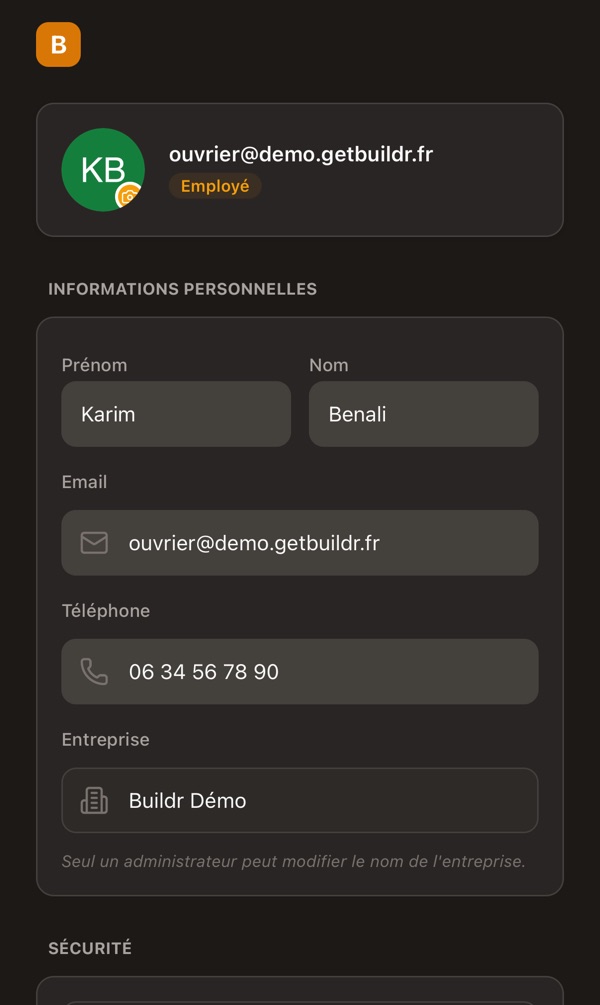
The photo is saved as soon as you have chosen it, with no button to tap.
Change your password
- In the Profile tab, under SECURITY, tap Change password.
- Enter your Current password.
- Enter the New password (at least 8 characters), then repeat it in Confirm.
- Tap Update password.
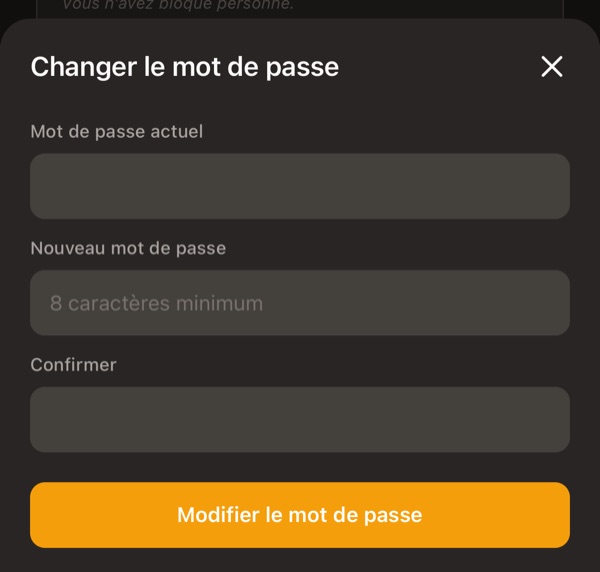
Your other devices are signed out: sign in again with the new password. An e-mail confirms the change.
From the dashboard
Open Settings:
- My profile card: Change photo (or Add a photo), Remove photo, then your information and Save;
- Security card: Current password, New password, Confirmation, then Change password.
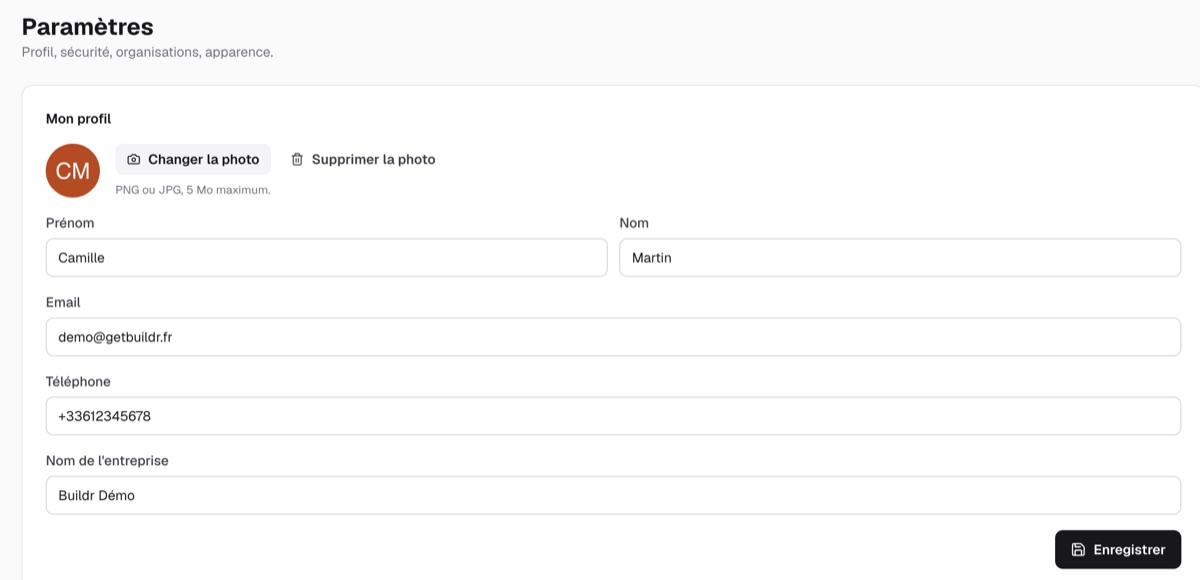
The company name
The Company field (Company name in the dashboard) cannot be edited by everyone:
- Admin: changing this name renames your company in Buildr, for the whole team;
- Manager, Employee: this is the company that employs you; the field is greyed out, only an administrator can rename it;
- Client, Network manager: this is the name of your own company, which you can correct. An administrator renaming the company does not change it.
Good to know
- If you change your e-mail address, the new one is the one you sign in with. An alert e-mail is sent to the old address: if you did not make the change, tell your administrator.
- A password known to have leaked on the Internet is refused: choose another one.
- To remove your photo without adding another, use the dashboard: the app only lets you replace it.
- Forgot your password? On the sign-in screen, tap Forgot your password?.