Screenshots show the French version of the app.
Your company uses Buildr to follow its sites, and has sent you an invitation by e-mail. Its subject is "… invites you to join Buildr".
1. Open the invitation
In the e-mail, tap the Accept the invitation button.
- If the Buildr app is already installed on your phone, it opens directly on your invitation.
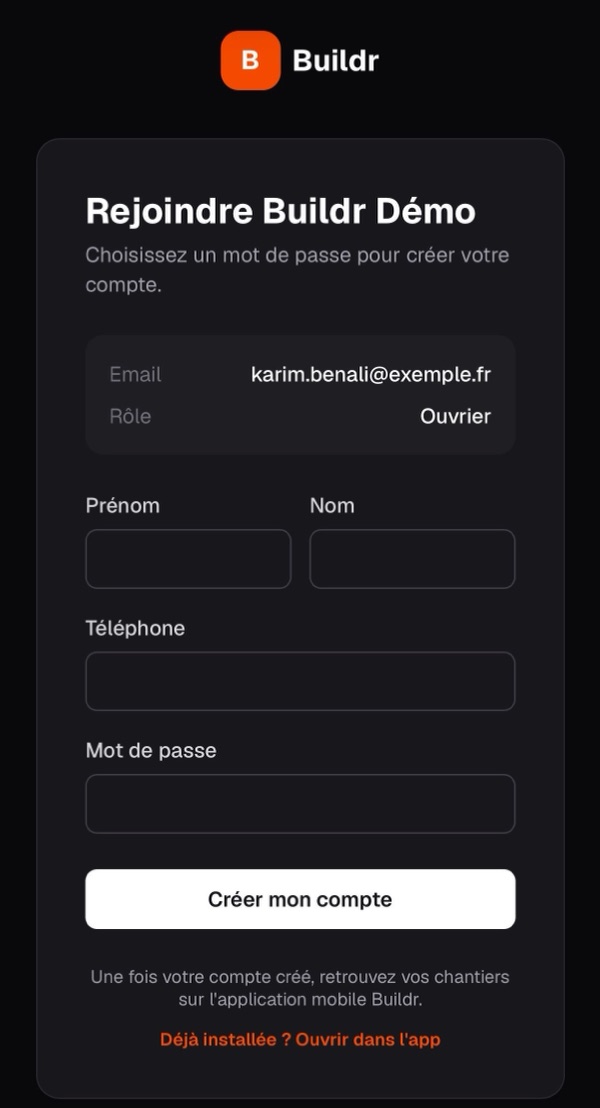
- Otherwise, the page opens in your browser. You see your company's name, your e-mail address and your role.
2. Create your account
- Enter your first name, your last name and your phone number.
- Choose a password of at least 8 characters. Buildr refuses passwords that have already appeared in known data breaches: if the message "This password appears in known data breaches" is shown, choose another one.
- Tap Create my account (or Accept the invitation in the app).
Your e-mail address and your role are set by the person who invited you: you don't have to enter them.
3. Install the app
On a phone, a Your account is ready screen offers to Download the app, from the App Store or Google Play.
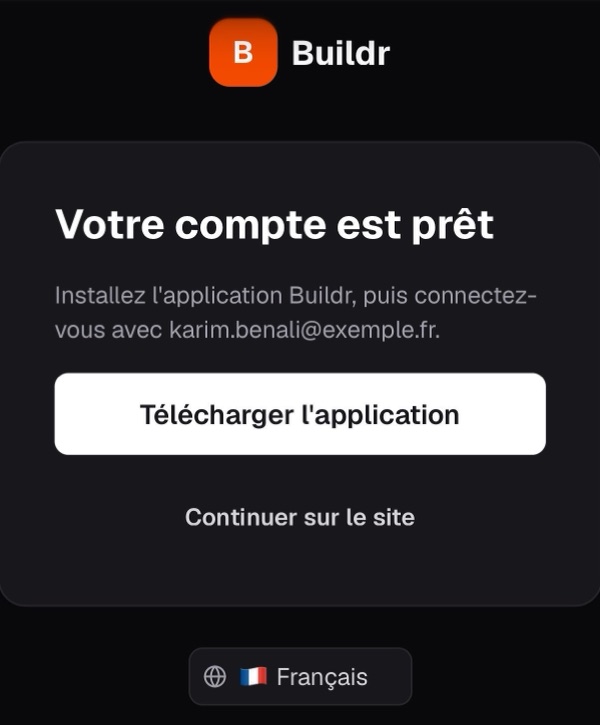
- Install Buildr Chantiers.
- Open it and sign in with your e-mail address and the password you have just chosen.
You find the sites your company has added you to.
On a computer, you go straight to the dashboard. You can install the app on your phone later.
Good to know
- "Invitation expired": an invitation is valid for 7 days. Ask the person who invited you for a new one.
- "Invitation not found": the link has already been used. If you have already created your account, simply sign in.
- You already have a Buildr account with this address? Sign in: you join the new company automatically.
- The link opens in Gmail or Outlook instead of the app? Tap Already installed? Open in the app, at the bottom of the page.
- No site appears after signing in? Your manager still needs to add you to a site's team.